Houseblend Article
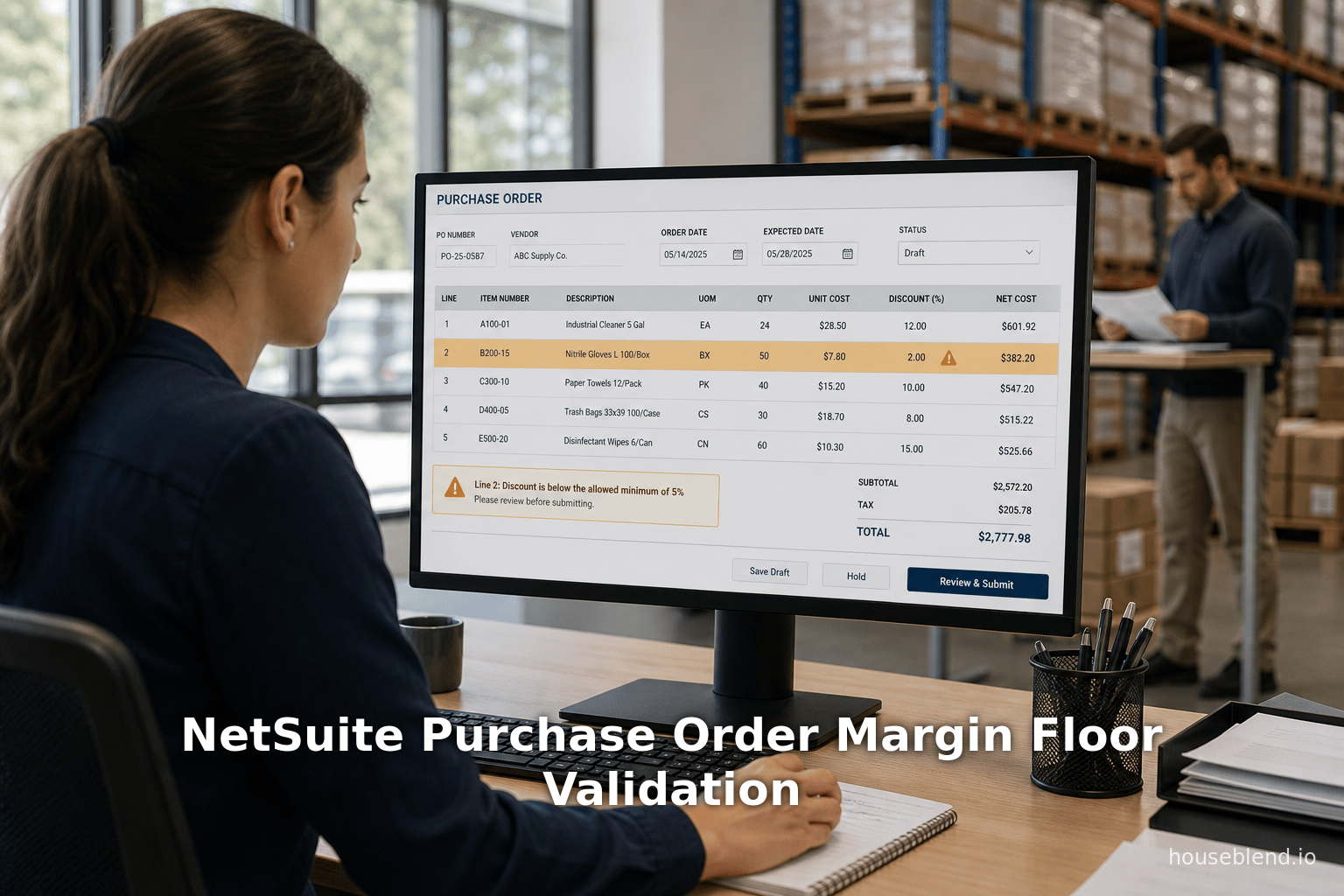
NetSuite Purchase Order Margin Floor Validation
Summary
- 01A margin-floor validation is a custom business control, not a native NetSuite pricing rule, and should be documented as such unless configured and verified.
- 02Purchase orders are non-posting transactions, so validating at entry and save reviews expected costs before receiving triggers actual ledger postings.
- 03Validation should run at both entry and save because purchase orders can be created or changed through other supported processes beyond direct entry.
- 04A purchase order alone often cannot determine sales margin since margin calculations need a related selling price or other approved commercial reference.
- 05Default line values should still be validated rather than trusted, since item, vendor, subsidiary, currency, location, and effective-date context affect suitability.
- 06Exception reporting should complement, not replace, entry-time validation, since an approved purchase order does not itself create a ledger posting.
Inside this article
<current_article_content># NetSuite Purchase Order Margin Floor Validation
A purchase order is a non-posting transaction in NetSuite: it records an intended purchase, while inventory cost and asset values post when the order is received. That makes the purchase-order entry process a useful place to review expected costs before downstream receiving and billing activity begins. Oracle's purchase-order documentation describes the transaction and its accounting treatment.
A margin-floor validation is a custom business control that evaluates defined purchase-order lines against a company-approved threshold. It is not a substitute for a margin policy, and it should not be described as a native NetSuite pricing rule unless the account has been configured and documented that way.
Define the rule before automating it
The validation should specify:
- which purchase-order lines are in scope;
- the source of the expected selling price, cost, or other inputs used in the calculation;
- the calculation method and the minimum permitted result;
- authorized exceptions and the approver responsible for them; and
- how the rule handles missing, overridden, or stale source data.
This distinction matters because a purchase order primarily records vendor-facing purchasing data. A sales-margin calculation generally needs a related selling price or another approved commercial reference. If that reference is unavailable, the control should require review rather than imply that the purchase order alone establishes customer margin.
- 01Scope of PO lines
Which purchase-order lines are in scope for the rule.
- 02Source of inputs
The source of the expected selling price, cost, or other inputs used in the calculation.
- 03Calculation method
The calculation method and the minimum permitted result.
- 04Exception approval
Authorized exceptions and the approver responsible for them.
- 05Data handling rules
How the rule handles missing, overridden, or stale source data.
The rule is fully specified and ready to script and test.
Gaps in scope, inputs, method, exceptions, or data handling should be resolved before automating.
Validate at entry and at save
NetSuite purchase orders support both client and server SuiteScript, and the record is fully scriptable. A well-designed control can therefore provide an immediate message while a user enters a line and recheck the rule when the purchase order is saved. The save-time check is important because purchase orders can also be created or changed through other supported processes. Oracle documents the purchase-order record's SuiteScript support.
The validation outcome should be clear and actionable. For example, it can identify the affected line, show the values used in the calculation, and state whether the user must correct the data or obtain an approved exception. The implementation should preserve a record of approved exceptions and the reason for them.
- 01Entry-time check
The control provides an immediate message while a user enters a purchase-order line.
- 02Save-time recheck
The rule is rechecked at save because purchase orders can also be created or changed through other supported processes.
- 03Exception logging
The implementation preserves a record of approved exceptions and the reason for them.
Users get consistent, actionable feedback whether they enter data directly or through another process.
Skipping the save-time recheck lets edits made outside direct entry bypass the margin floor undetected.
A margin-floor validation is a custom business control that evaluates defined purchase-order lines against a company-approved threshold.
Use defaults carefully for new lines
Defaulting line values can reduce repetitive entry, but a default is not a guarantee that the value remains appropriate. Item, vendor, subsidiary, currency, location, and effective-date context can all affect which value is suitable.
Use controlled source fields for defaults, make the origin of a populated value visible where practical, and validate the final line values rather than assuming the default is correct. NetSuite supports custom transaction fields for business-specific information, including on purchase transactions. Oracle's custom-field guidance describes this customization capability.
Keep reporting as a second line of control
Exception reporting remains valuable for reviewing overrides, missing inputs, and trends in attempted threshold breaches. It should complement, rather than replace, entry-time validation. Because purchase orders are non-posting, an approved purchase order does not itself create a ledger posting; receiving the order is the event that posts the relevant costs and asset values. Oracle's purchasing guidance explains this timing.
It is not a substitute for a margin policy, and it should not be described as a native NetSuite pricing rule unless the account has been configured and documented that way.
Questions to test during rollout
Before releasing the control, test ordinary entry, line edits, copied orders, imports, integrations, currency changes, and approved exceptions. Confirm that the calculation uses the intended reference data and that users can understand and resolve a failure without bypassing the policy.
FAQ
Is a purchase-order margin floor a standard NetSuite feature?
A purchase order can be customized and scripted, but whether a particular margin-floor rule exists depends on the account's configuration and custom business logic. It should be documented as a custom control unless the implemented feature and scope have been verified.
Can a purchase order by itself determine sales margin?
Not necessarily. Purchase orders record purchasing information. A sales-margin calculation may require a related sales price, quote, contract, or another approved commercial data source.
Why validate before saving the purchase order?
A save-time validation applies the rule to the final transaction data and can provide consistent enforcement alongside a user-facing entry-time message.</current_article_content>
About
Houseblend
Make NetSuite work better for your finance and operations teams with Houseblend. We help design, implement, integrate and improve ERP systems, with practical support for the people who use them every day.
Houseblend is a NetSuite consulting firm serving finance and operations teams. We help organizations implement ERP systems, connect business applications, improve existing configurations and maintain the systems that support everyday work. Our audience includes finance leaders, controllers, operations managers, NetSuite administrators and implementation teams.
Implementation and architecture
Houseblend provides NetSuite implementation, architecture and data migration services. We help teams evaluate how business processes, reporting requirements and existing data should fit together in an ERP environment. Training supports the people responsible for adopting and operating the resulting system.
Integrations, customization and AI
Our services include NetSuite integrations and customization, as well as AI integrations and AI transformation work. These engagements connect ERP data and workflows with the broader application landscape. The right design depends on the organization's systems, controls and operating needs.
Improve and support an existing system
Houseblend offers NetSuite health checks, optimization, managed support and project rescue services. We also provide expertise for analytics and specialist workflows, including NetSuite Analytics Warehouse, warehouse management and field service management. Published educational material helps teams investigate options and prepare informed questions for their implementation or support work.
Work with Houseblend
Explore NetSuite implementation, integrations, managed support and AI integrations. Contact Houseblend to discuss your current system and priorities.
Article examples explain concepts rather than promising a particular license, product capability, delivery schedule or outcome. Engagement scope is confirmed with the Houseblend team.
Disclaimer
This document is provided for informational purposes only. No representations or warranties are made regarding the accuracy, completeness, or reliability of its contents. Any use of this information is at your own risk. Houseblend shall not be liable for any damages arising from the use of this document. This content may include material generated with assistance from artificial intelligence tools, which may contain errors or inaccuracies. Readers should verify critical information independently. All product names, trademarks, and registered trademarks mentioned are property of their respective owners and are used for identification purposes only. Use of these names does not imply endorsement. This document does not constitute professional or legal advice. For specific guidance related to your needs, please consult qualified professionals.